
Applications
Flag Studio
The flowing wooden flag everyone wants, without hours of CAD.
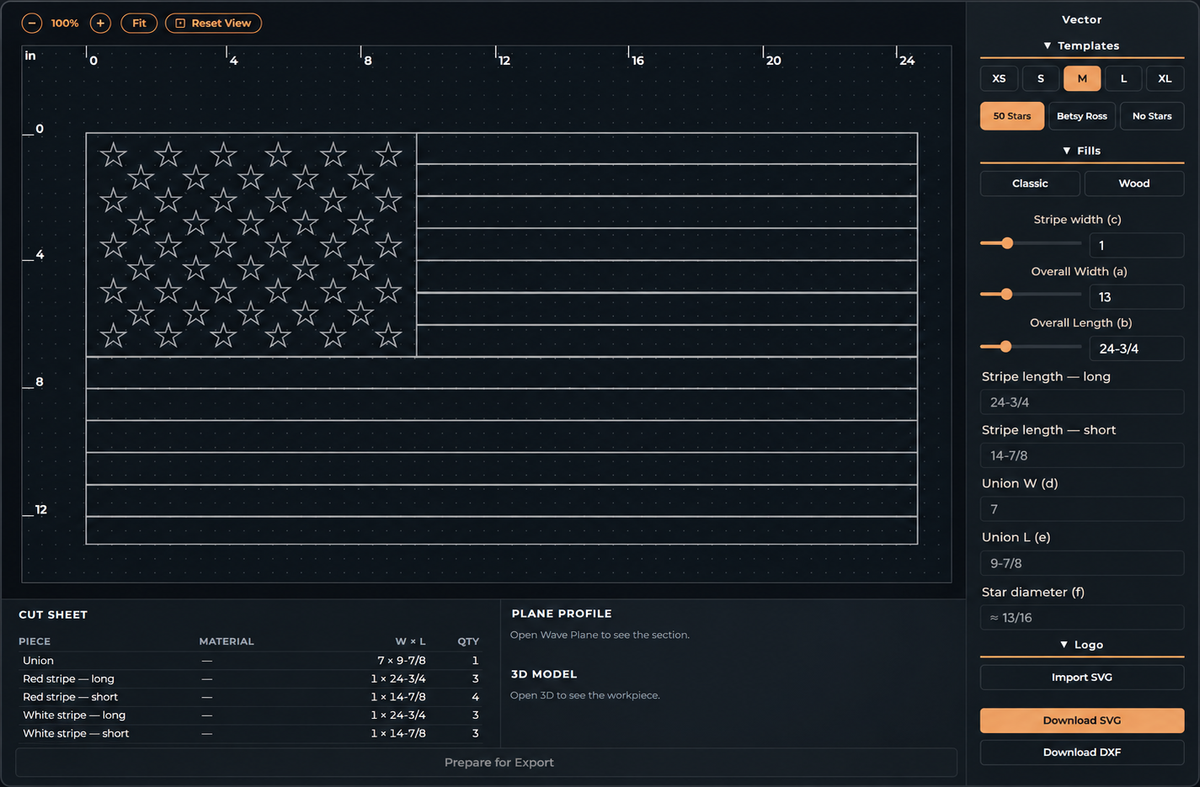
Start from a real template
Pick a US-style flag size from XS to XL and the stripes, union and star field are laid out for you. Change the stripe width, overall width and length on their own, and add your own art to the union or place a logo.
Or bring your own flag
Upload any SVG design, set the size, and keep its colors. Team flags, state flags, and family crests all work.
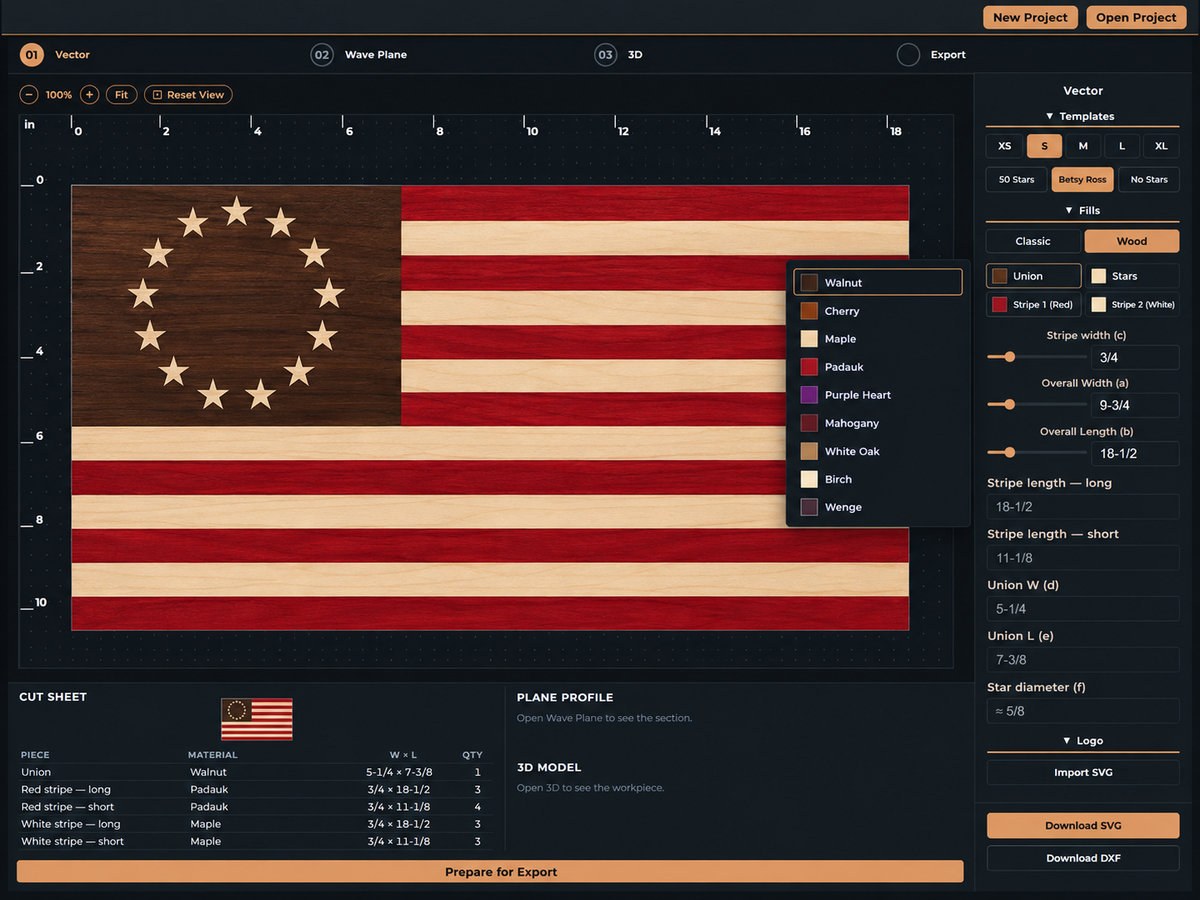
Real wood, on screen
Fill the stripes and union with real wood species and see the contrast before you buy a board. The cut sheet lists every piece with its material, size and quantity.
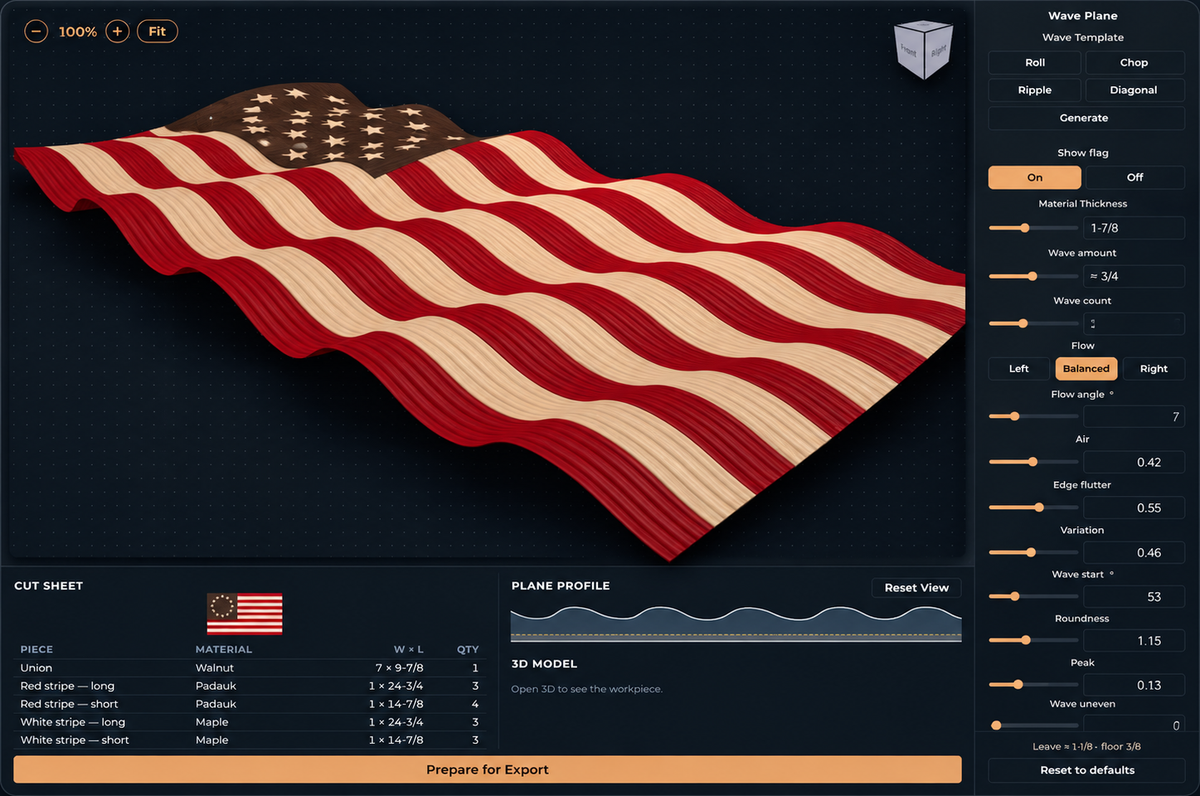
Dial in the wave
Shape the wave with a few controls: how many ripples, how deep, which way it flows, plus flutter at the edge and how irregular it looks. Not sure where to start? Pick a wave template and re-roll until one looks right.
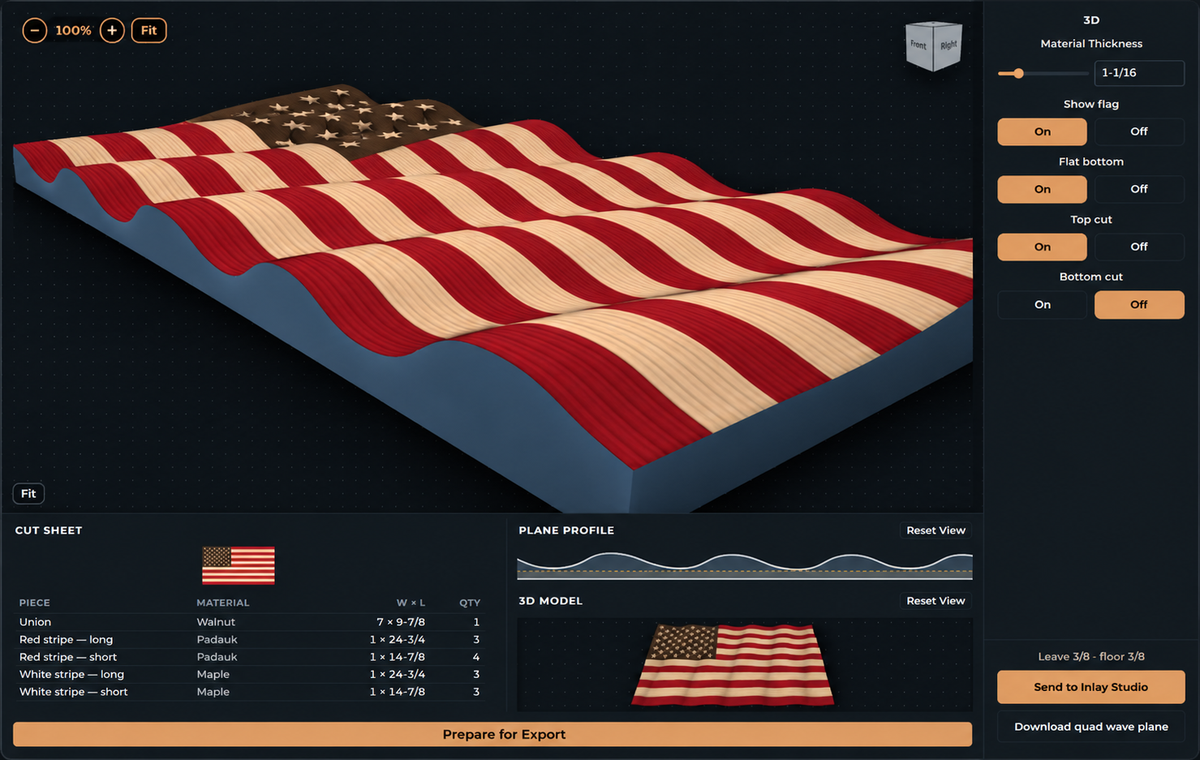
Watch it in 3D
The 3D flag updates as you turn the dials, so you see the finished piece from every side before you cut anything. Set the material thickness and the top and bottom cuts for your stock.
A Fusion job ready to run
For US-style flags, export a Fusion 360 package that opens as a ready job through the Erickson Works add-in, so you skip rebuilding the flag in CAD. Every flag also downloads as clean SVG and DXF.
Inlay it next
Send the wavy flag straight into Inlay Studio and carve a name, date or emblem right into the waves.
See the rest of the toolkit
Back to all applications